 SwipeKeyboard
Swipe, don't tap.
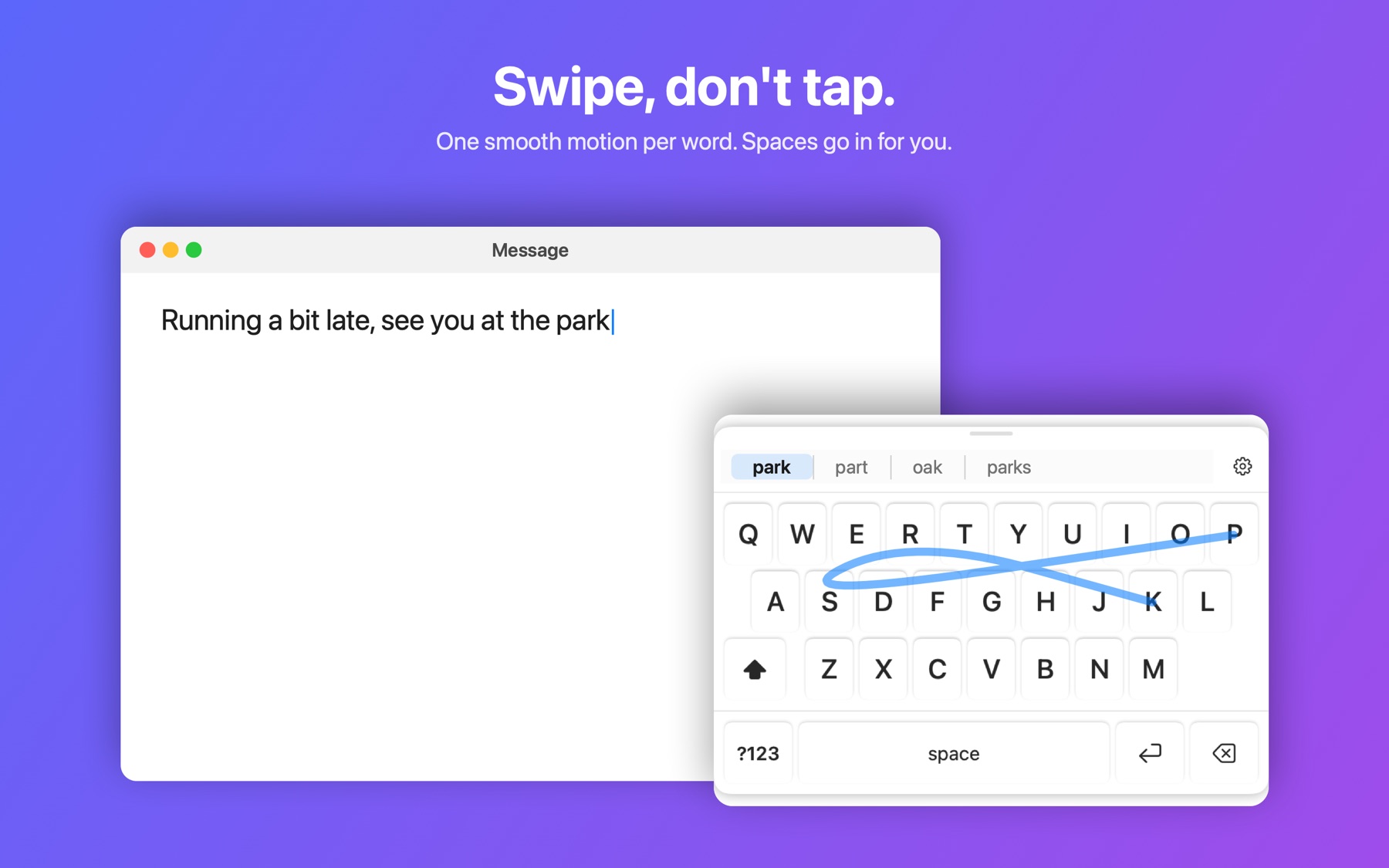
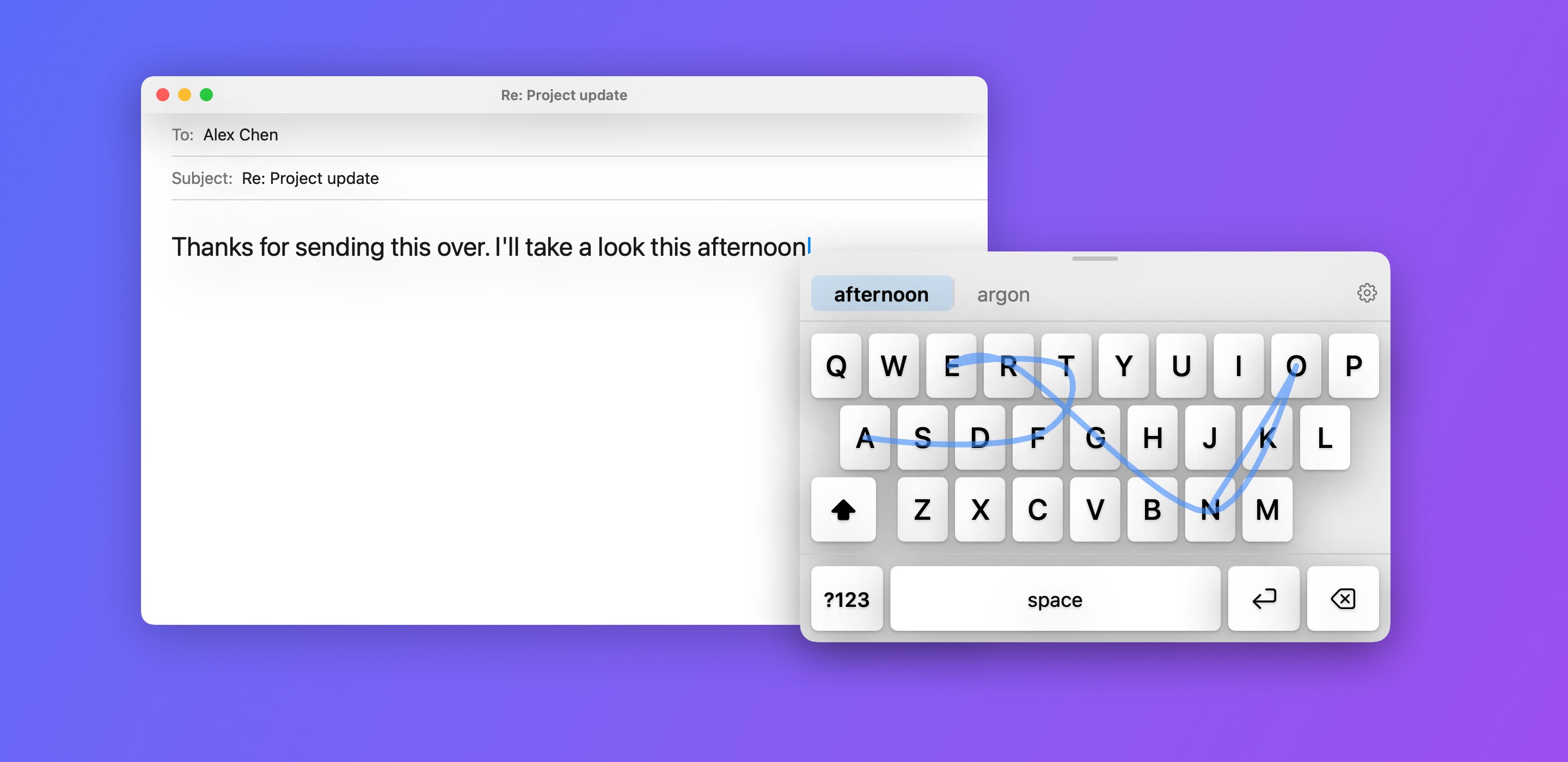
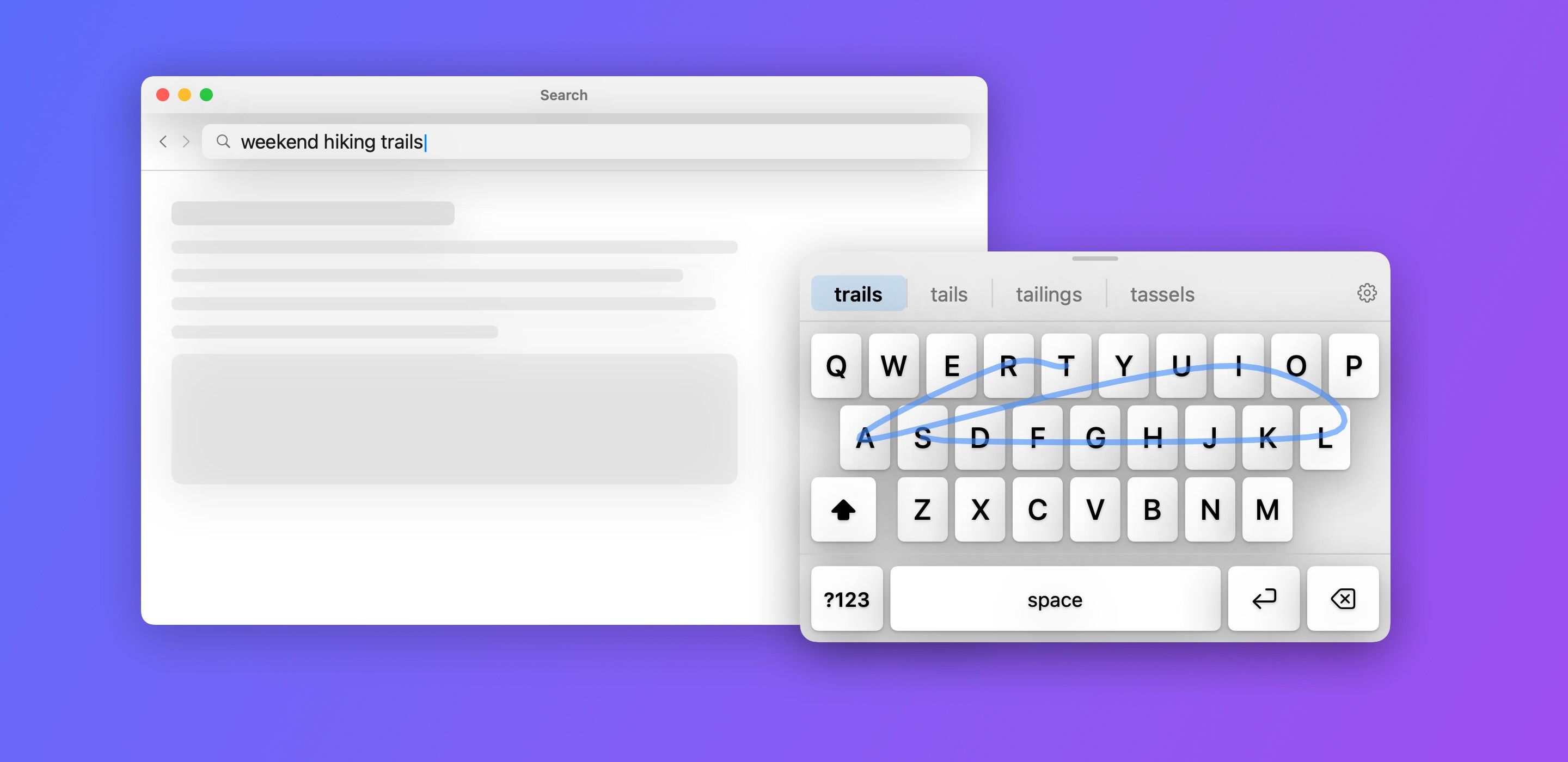
Drag across the letters of a word and let go. One smooth motion per word, and the spaces go in for you.
Type on your Mac with one hand.
Swipe across the keys and your word pops in, just like on your phone.
Requires macOS 13 Ventura or later.
I made SwipeKeyboard while holding my baby in one arm and trying to work with the other. Pecking at one key at a time was difficult and inefficient, so I brought phone-style swipe typing to the Mac.
Drag across the letters of a word and let go. One smooth motion per word, and the spaces go in for you.
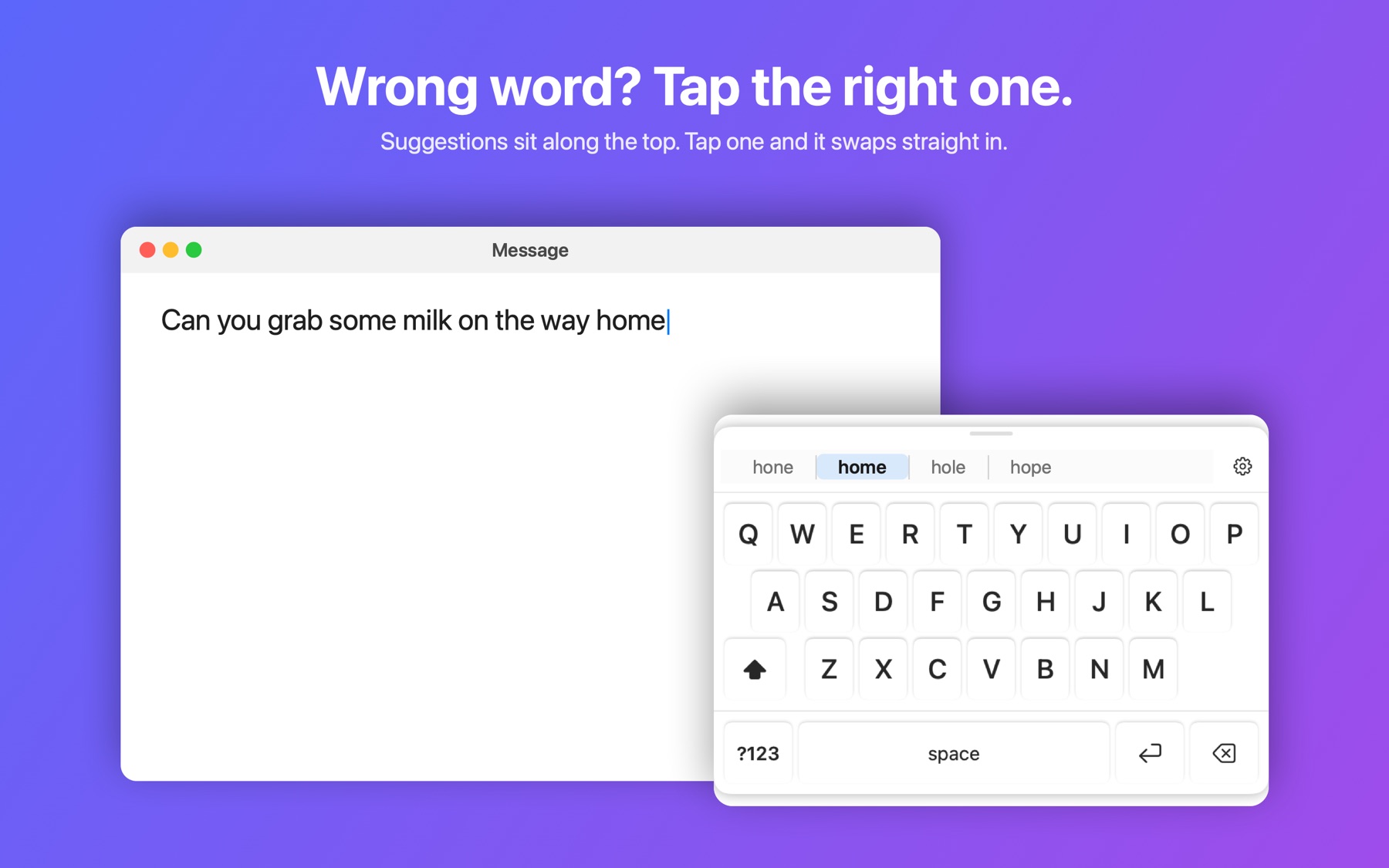
If the wrong word appears, tap the right one from the suggestions along the top and it's swapped instantly.
Notes, Mail, Messages, Pages, Safari and most other apps. Web browsers and Electron apps work too, once you allow Accessibility access.
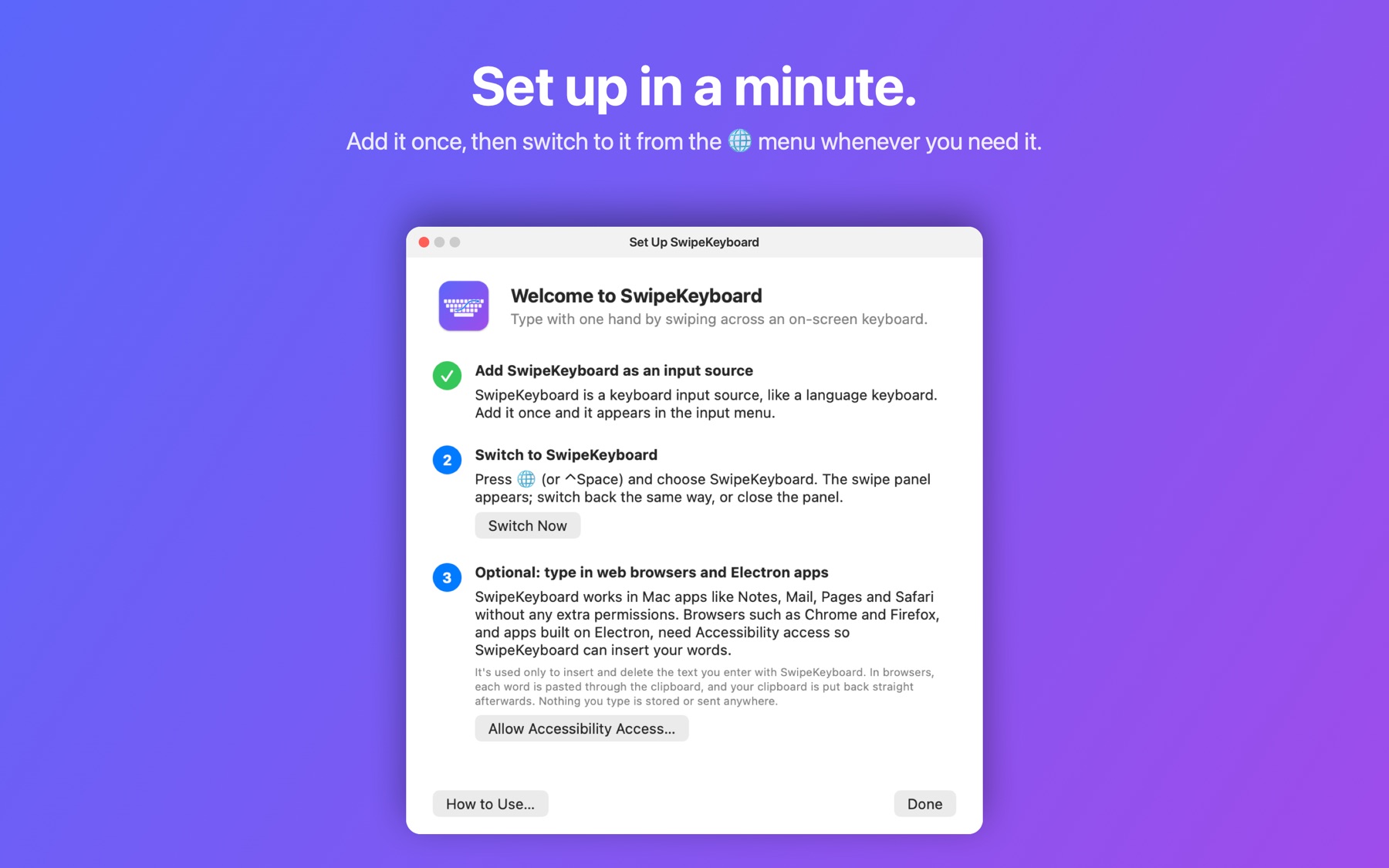
Add it once as an input source, then switch to it from the globe menu whenever you need it. Start typing on your real keyboard and it gets out of the way.
Everything happens on your Mac. No accounts, no tracking, no internet needed, and nothing you type is stored or sent anywhere.
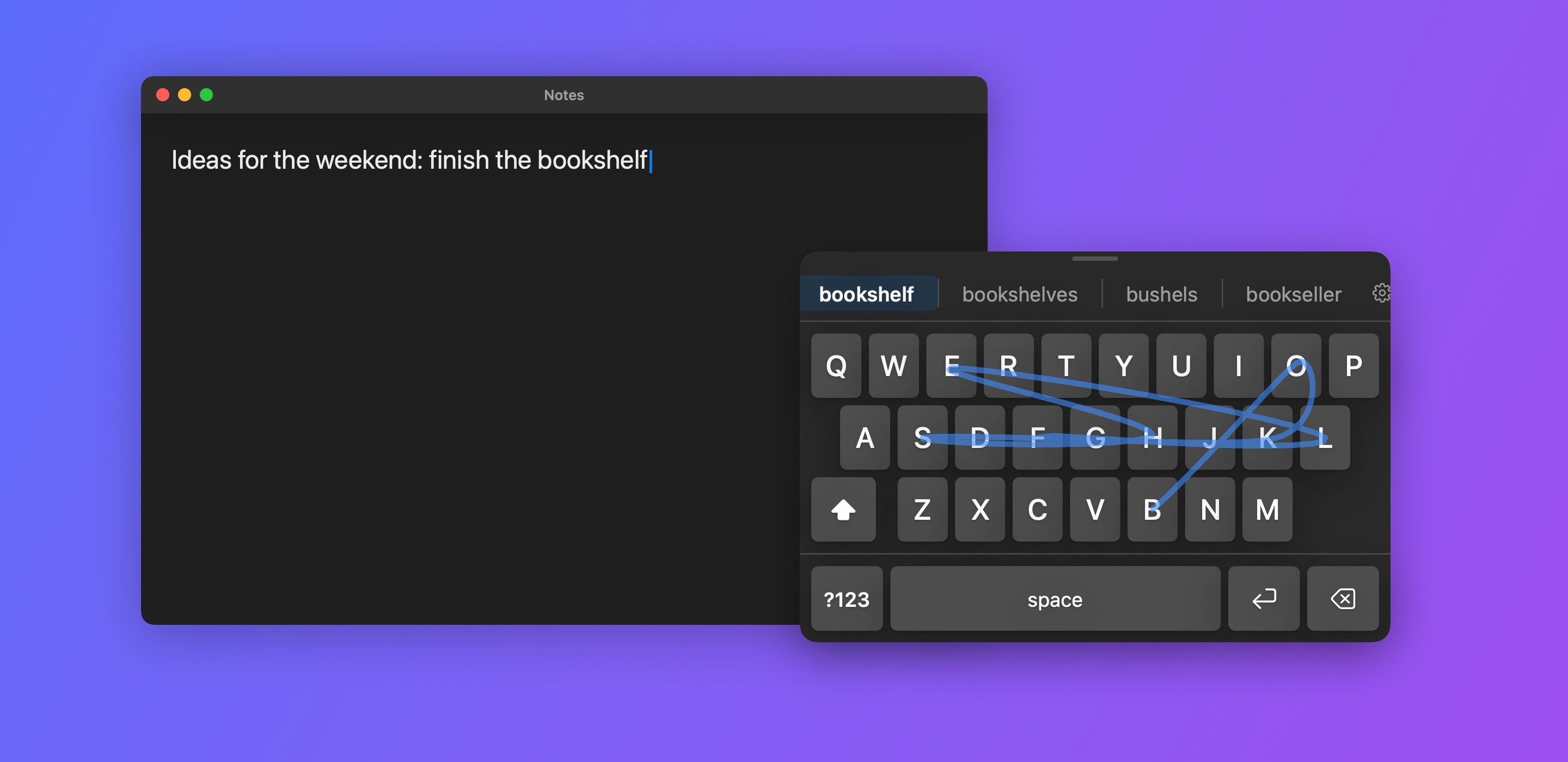
Tap single keys for short words, numbers and punctuation.
Signed with an Apple Developer ID and checked by Apple, so macOS opens it without warnings.
Like every Mac keyboard add-on, macOS keeps it out of secure fields.
Mac input methods can't be sold on the Mac App Store, so SwipeKeyboard is sold directly through Gumroad.
Handy for new parents, anyone with an arm in a sling, or anyone who just wants to eat lunch and answer messages at the same time.
Buy on Gumroad